
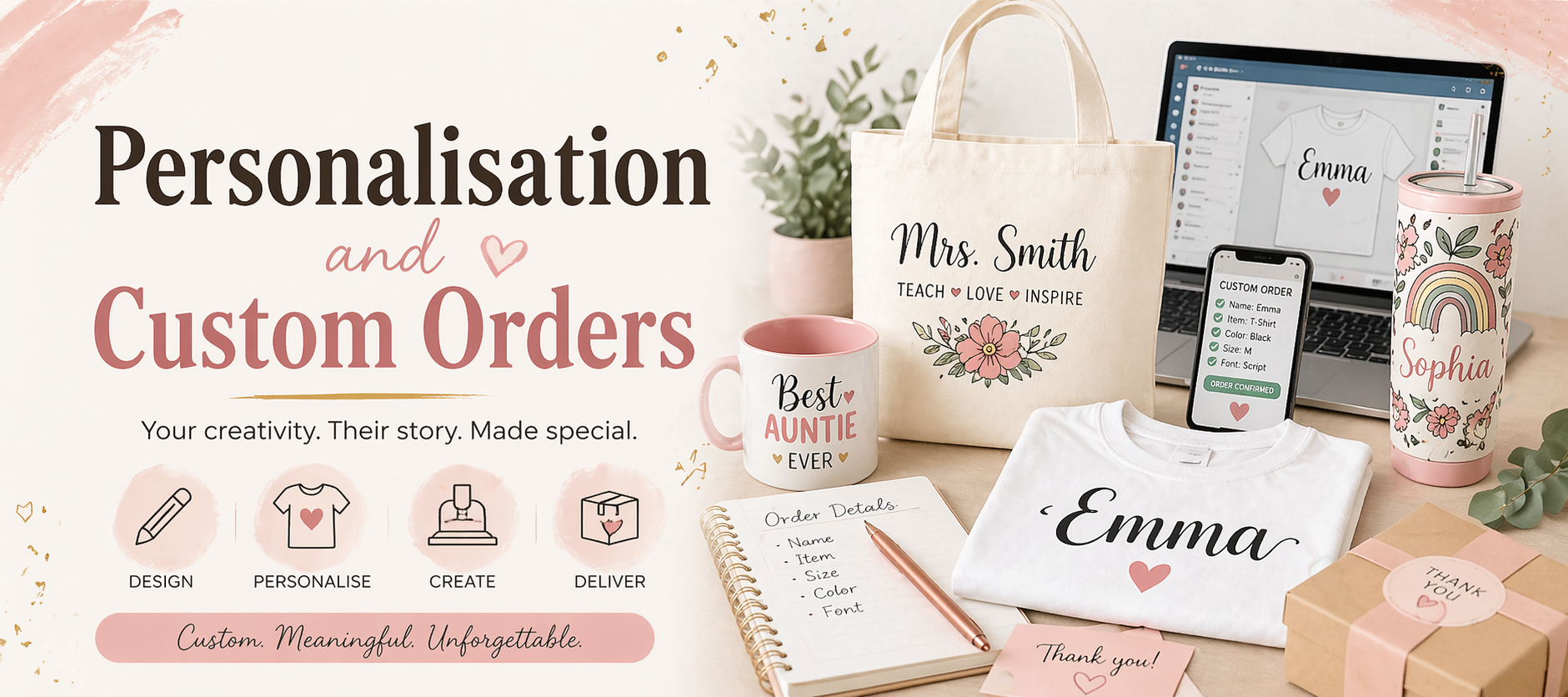
✨ Module 7: Personalisation & Custom Orders
Turning Simple Products into Premium, Meaningful Sales
Personalisation is your superpower.
It’s what turns:
👉 A R60 t-shirt
Into
👉 A R250 must-have gift
But custom work comes with responsibility.
Because now you’re not just producing – you’re handling names, memories, and expectations.
This module will help you:
- Design clean, professional personalised pieces
- Avoid costly mistakes
- Manage customers confidently (without overwhelm)
🎨 1. Designing with Intention (Names, Themes & Layout)
When someone gives you a name or message…
they’re trusting you with something personal.
Treat it that way.
👑 Make the Name the Hero
The personalised element should always stand out.
- Main name → bold, clear
- Supporting text → smaller, simple
If everything is loud… nothing stands out.
👀 The Legibility Test (The “F vs T” Rule)
“If you have to squint to read it… your customer will too.”
Fancy fonts are beautiful – until they confuse people.
Always check:
- Are letters clearly readable?
- Could anything be misinterpreted?
One unclear letter = one unhappy customer.
📏 Scale for the Real World
What looks “big” on your screen can look tiny on a hoodie.
👉 Always refer back to your placement guide
👉 Think about garment size, not just design size
⚡ Canva Shortcut (Your Time Saver)
Use Canva to create a Master Template.
Then:
- Swap names
- Adjust colours
- Export
No redesigning from scratch. Ever.
🛡️ 2. Protecting Your Work (and Your Sanity)
This is where beginners lose money… and confidence.
We fix that here.
📲 The Proof System (Non-Negotiable)
Always send a mockup before cutting.
👉 Copy and paste the name exactly as the customer typed it
If there’s a typo – they’ll catch it. Not you.
✅ The Confirmation Message
Never cut without approval.
Use something like:
“Please confirm the spelling and layout above. Once approved, I’ll begin production. Changes can’t be made after cutting.”
Clear. Calm. Professional.
🏷️ WhatsApp Organisation
Use WhatsApp Business like a system, not just chat:
- Labels for order stages
- Notes for specs:
- Font
- Colour
- Size
Less chaos. More control.
⚖️ 3. Managing Changes & Setting Boundaries
Custom orders can spiral fast if you let them.
This is where you protect your time and energy.
🔁 Set a Revision Limit
- 1 change included
- Extra changes = small design fee
This keeps things fair and professional.
🚧 The Point of No Return
Once pressed = permanent.
If a customer changes their mind:
“I’d love to help! That item has already been completed, but I can remake it at a discounted rate.”
Kind. Firm. No stress.
🎯 Pre-Set Options (Your Secret Weapon)
Instead of “anything you want,” offer:
- 3 signature fonts
- 5 vinyl colours
Too many choices = confusion + delays.
Simple choices = faster sales.
💰 Personalisation = Premium
You’re not just selling a product.
You’re selling:
- Attention to detail
- Time
- Skill
- Care
That is a premium service.
Price like it.
🌟 4. Turning Happy Customers into More Customers
This is where your business starts growing without extra effort.
After delivery:
- Confirm they received the item
- Check they’re happy
Then gently ask for a review.
💬 Simple Review Flow
“Hey! Just checking everything arrived okay 🤍
If you love it, I’d really appreciate a quick review – it helps my small business so much 🙏”
📍 Where This Matters
Set up your
Google Business Profile
so those reviews actually work for you.
Because:
👉 Good reviews = trust
👉 Trust = more orders
🛠️ IMMERSIVE TASK: The Quick Reply Setup
Go into WhatsApp Business and create a Quick Reply for custom orders.
Ask for:
- Item size
- Text / name
- Vinyl colour
- Font choice
💡 Why This Works
You get:
- All info upfront
- Less back-and-forth
- Faster turnaround
Which means:
👉 More orders
👉 Less stress
🔁 The Bigger Picture (What You’re Building)
At this point, your flow looks like this:
- Customer orders
- You create mockup
- They approve
- You produce
- You deliver
- You ask for review
- They refer or reorder
That’s not just crafting.
That’s a business system